
Plugin
Information
v1.1.5 Stable
LeadConnector Plugin Details
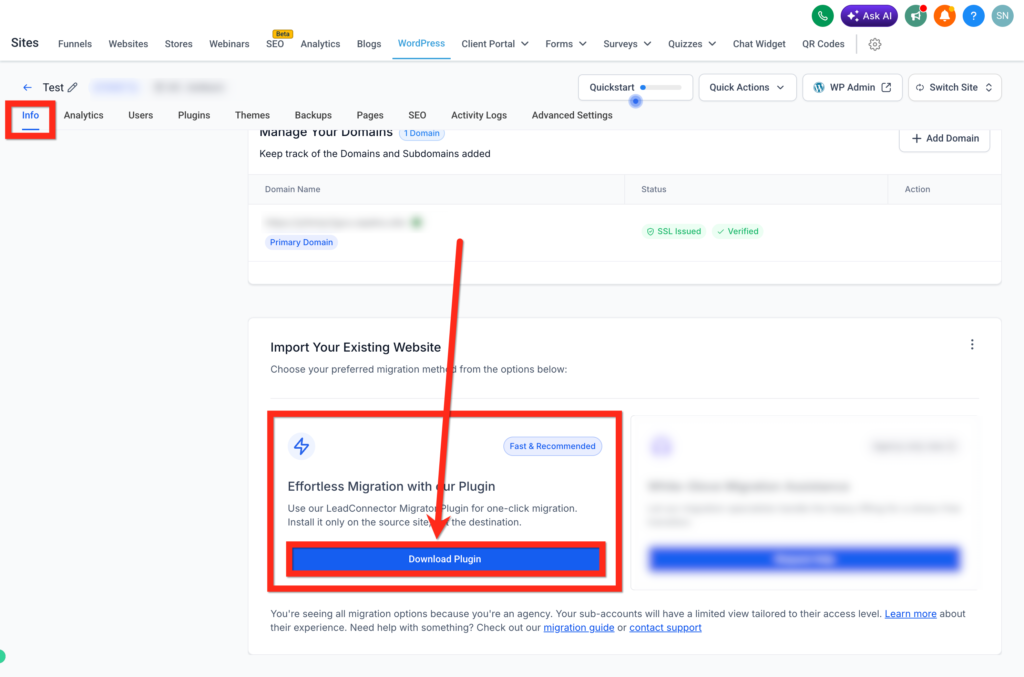
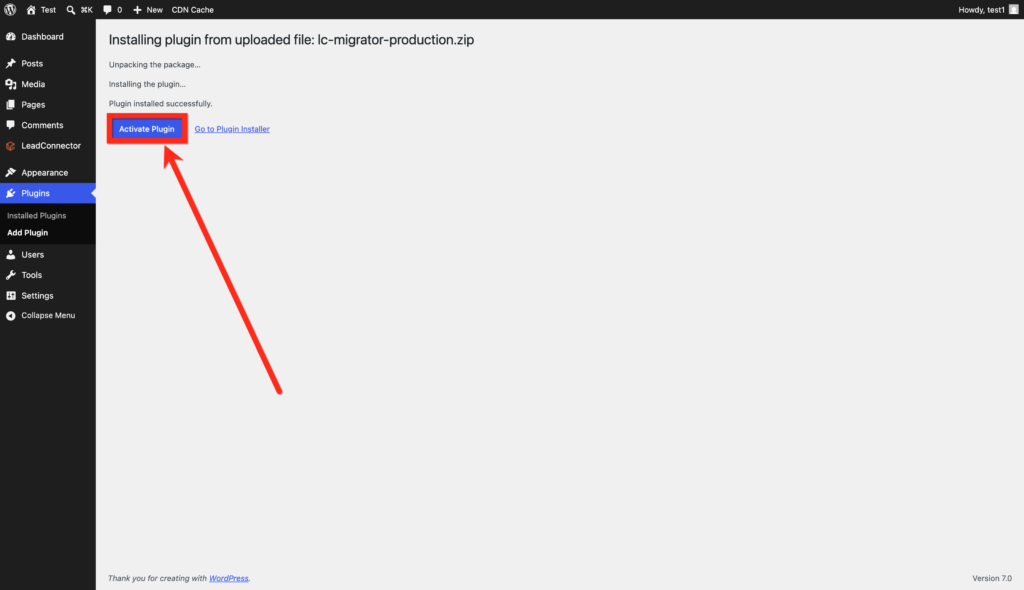
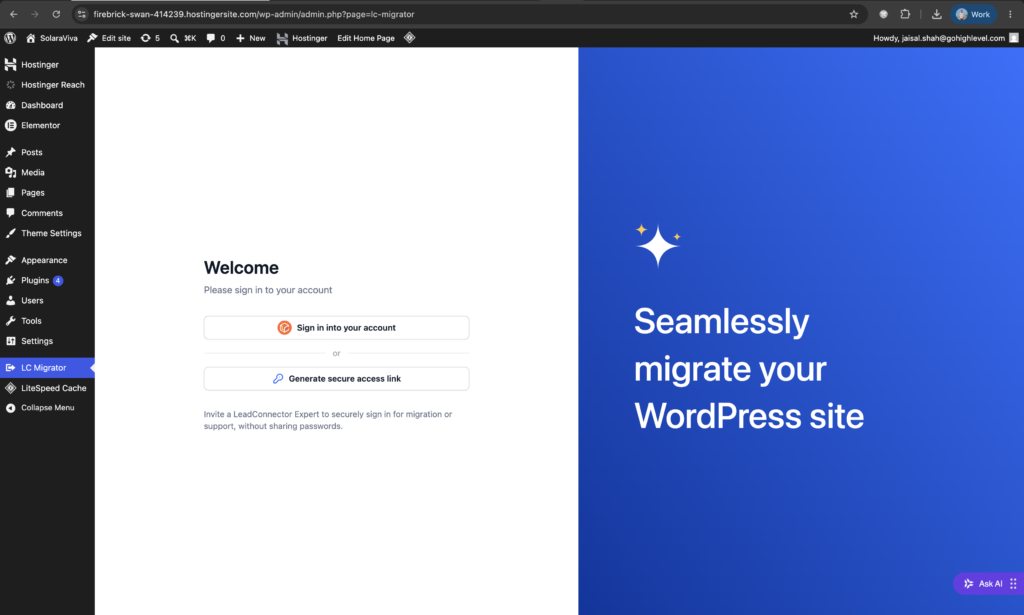
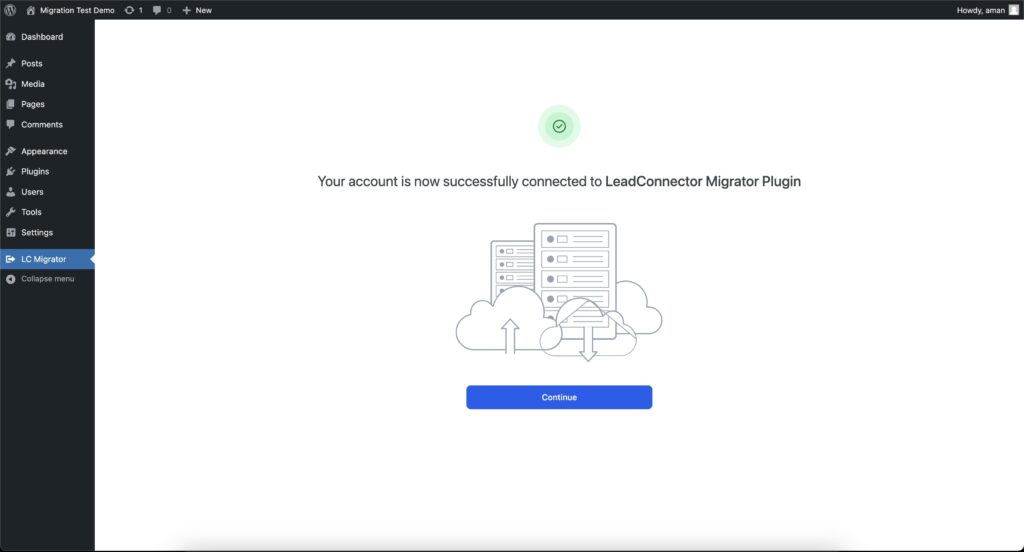
Move your WordPress site in a single click.
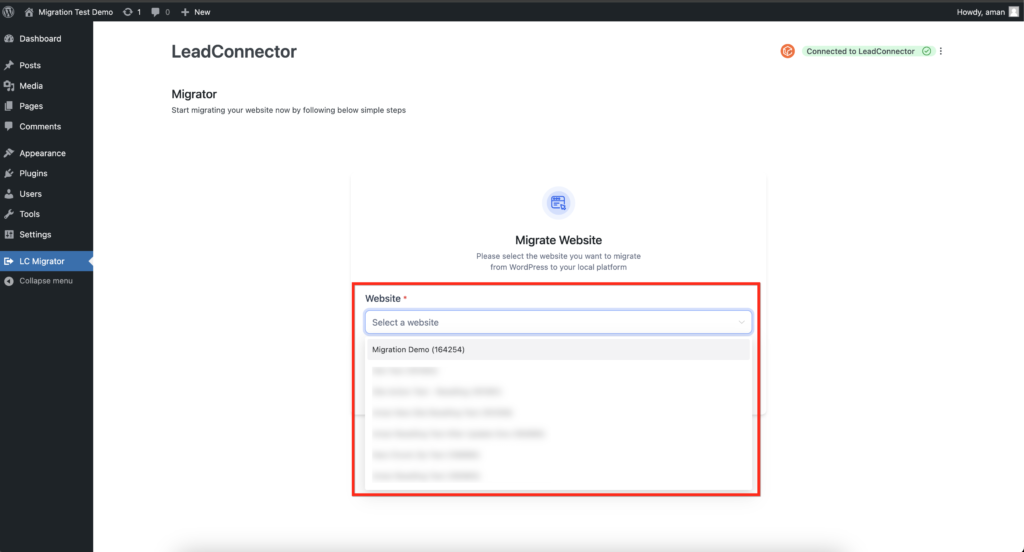
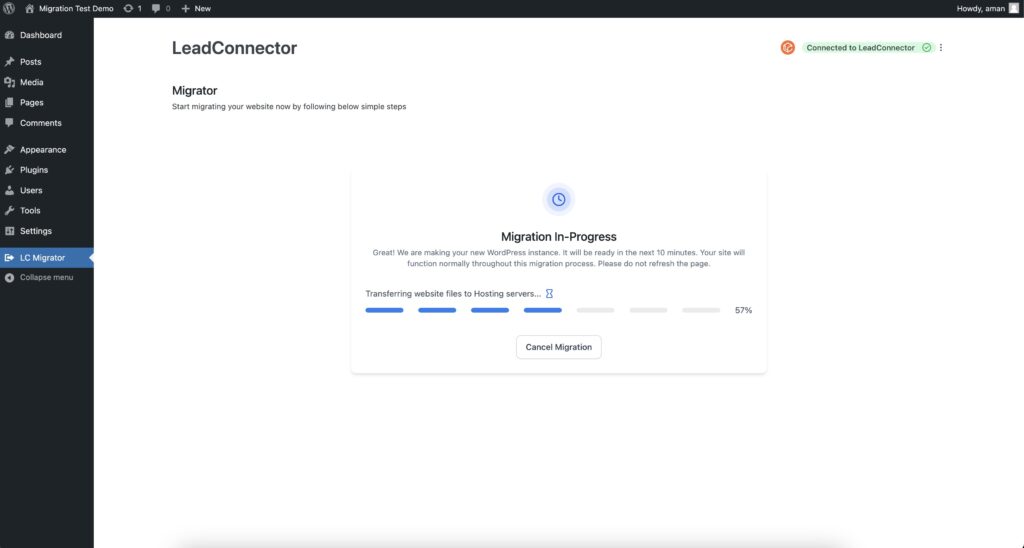
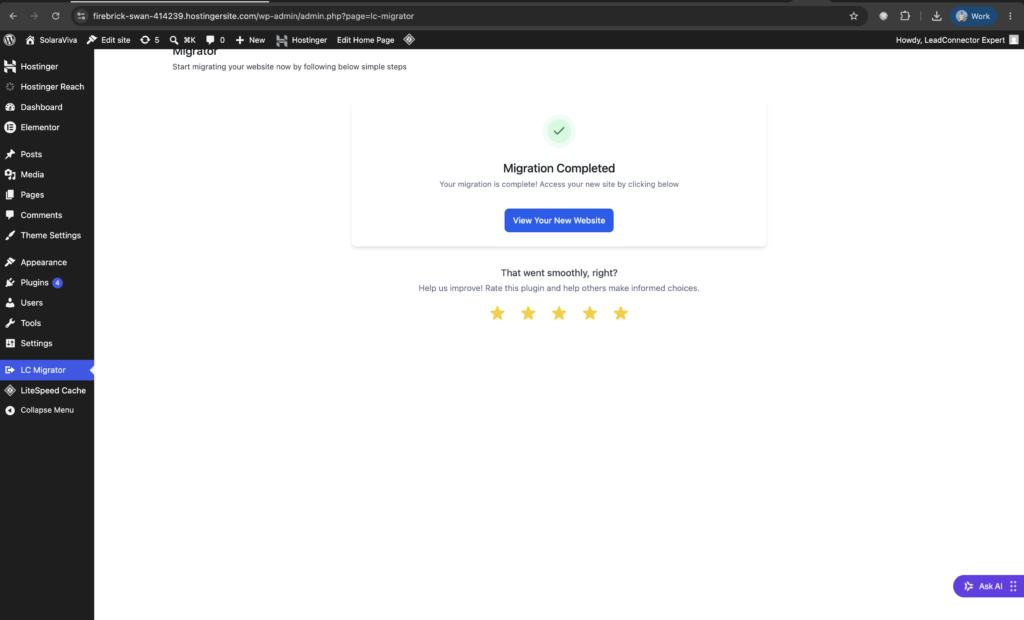
LeadConnector Migrator handles the complete transfer of your WordPress installation with one click — no manual exports, no FTP, no technical setup. Your site, content, and LeadConnector integration arrive at the destination exactly as they left.
Key Features
- One-click migration: Initiate your entire site transfer from the WordPress admin with a single button — no command line, no third-party tools, no developer required.
- Full site transfer: Move your WordPress database, files, themes, plugins, and media library to any new host or domain automatically.
- LeadConnector config preservation: Retain all API keys, widget settings, form mappings, and CRM connection data so your integration works immediately after migration.
- Automatic search and replace: All hardcoded URLs, internal links, and asset paths are updated to match the new domain the moment migration completes.
- Plugin and theme transfer: Every installed plugin and active theme moves with its settings intact — including Elementor templates and page builder data.
- Zero downtime mode: Run the migration in the background and switch over only when verified, keeping your live site available throughout the process.
Reviews
Still Need Help?
Frequently Asked Questions
Everything you need to know about getting started.
Do I need a LeadConnector account to use the plugin?
Yes. The LeadConnector WordPress plugin requires an active LeadConnector CRM account. Once you install and activate the plugin, simply log in to your CRM from the WordPress admin to connect your location and unlock all features.
Is the plugin free to install?
The plugin itself is free to download and install from the WordPress plugin directory. A LeadConnector subscription is required to use connected features such as chat widgets, funnels, forms, calendars, and CRM tools.
What does the LeadConnector Migrator do?
The Migrator plugin allows you to move your entire WordPress site — pages, posts, forms, and media — directly into your LeadConnector CRM. This brings everything under one roof so you can manage your site and your sales pipeline from a single platform
Will my existing WordPress content be affected after migration?
No. The migration process is non-destructive. Your WordPress site remains fully intact during and after the migration. The Migrator copies your content into LeadConnector without deleting or altering anything on your existing site.
Unlock Your Software With LeadConnector
© Copyright – All Rights Reserved